


Docs
Ultimo
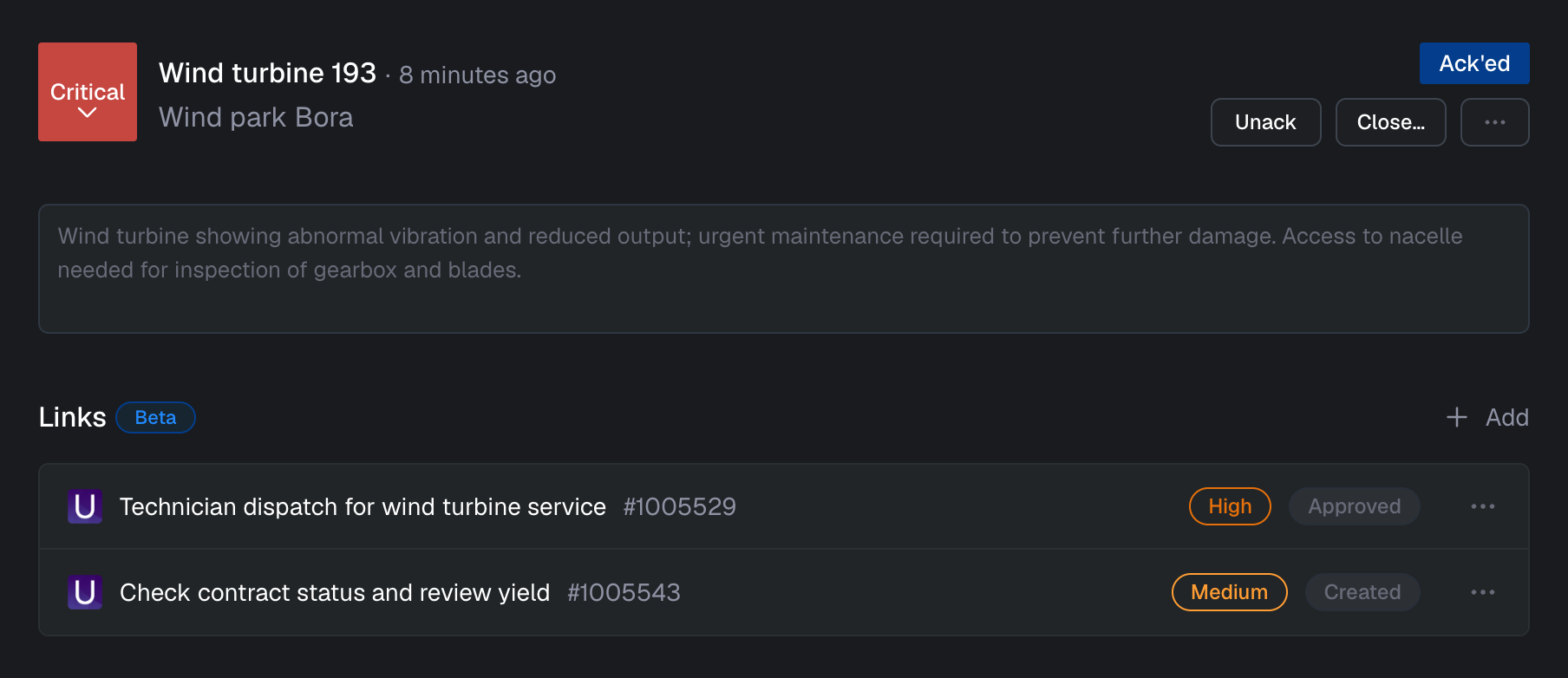
If you use Ultimo to manage your assets, you can use the Ultimo integration to create jobs or link to existing jobs directly from the alarm detail page. When a job is linked to an alarm, its status is displayed in Blockbax.
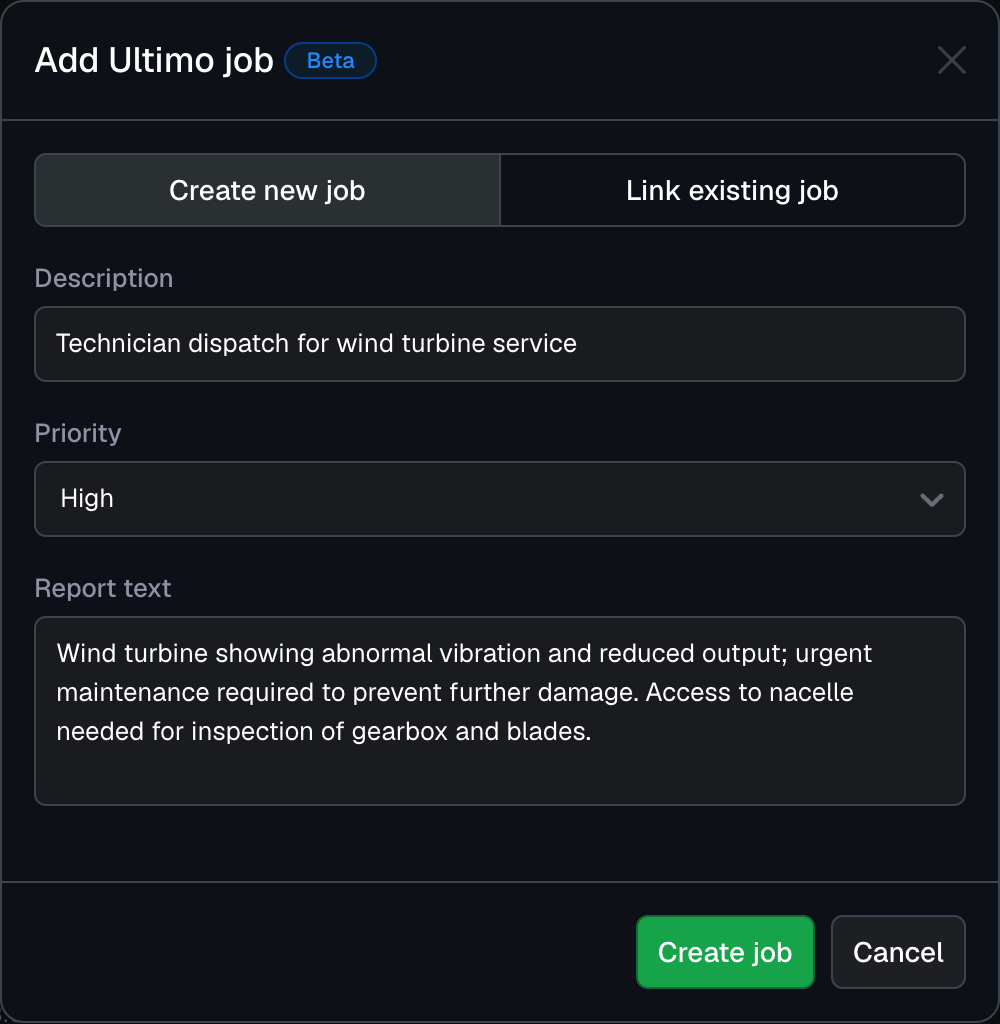
When the Ultimo integration is enabled, a new option appears when clicking “Add link” on the alarm detail page. Clicking this option opens a dialog where you can create a new Ultimo job or link an existing job to the alarm.
Configuration options
The following configuration options are available:
| Field | Description |
|---|---|
| Name | A descriptive name to recognize your Ultimo environment |
| Base URL | The URL to your Ultimo environment, usually in the form https://customer.ultimo.net |
| Screen ID | The ID of the screen in Ultimo to display jobs in |
| API key | The API key you created in the Ultimo environment with the required permissions to create jobs |