


Docs
New security features
July 1, 2026
We’ve shipped a set of improvements that give you more insight into what’s happening with your account. If you’re an organization administrator, you also get more control over how your users authenticate:
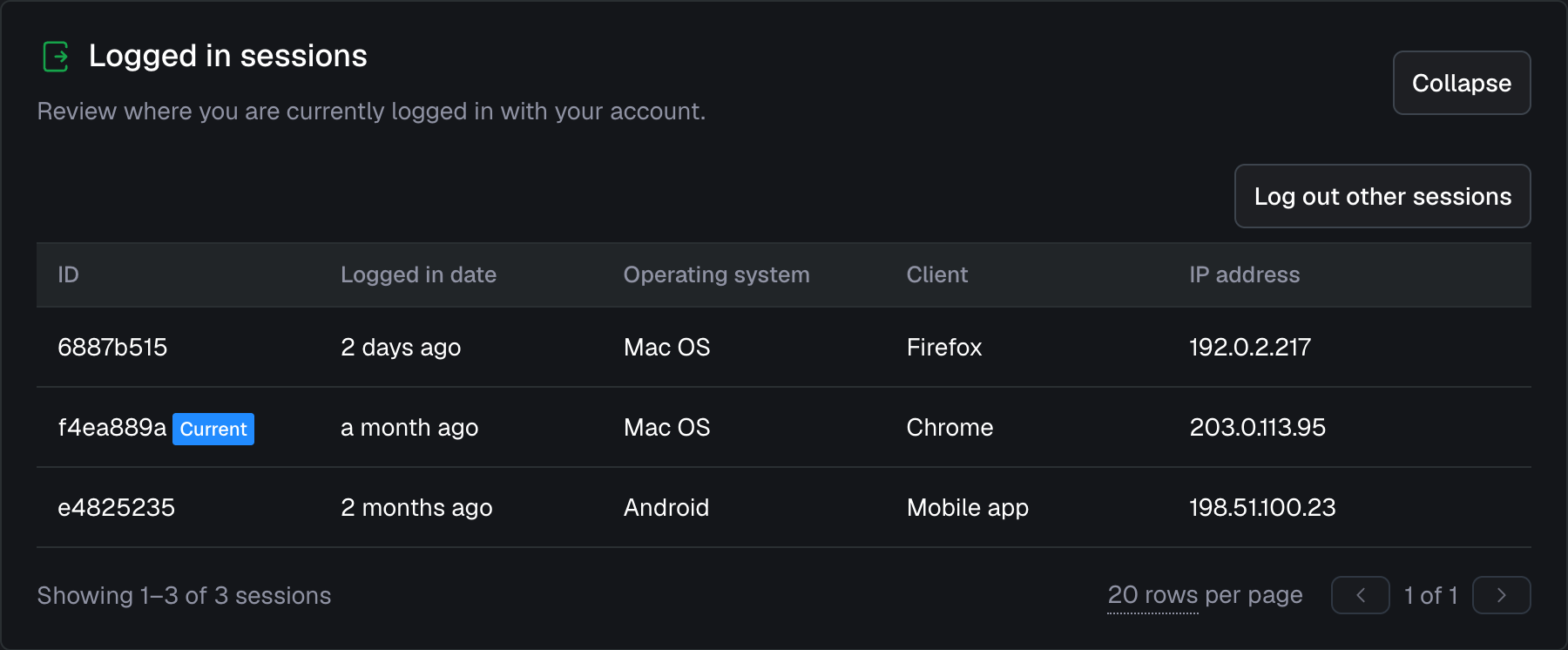
See where you’re logged in
View all your active sessions and log out of them from a single overview.Confirmation and notification for sensitive changes
We now ask you to confirm it’s really you before you change your email, password, or multi-factor authentication (MFA) settings, and we email you so you can act quickly if it wasn’t.Insight into single sign-on (SSO) and MFA usage
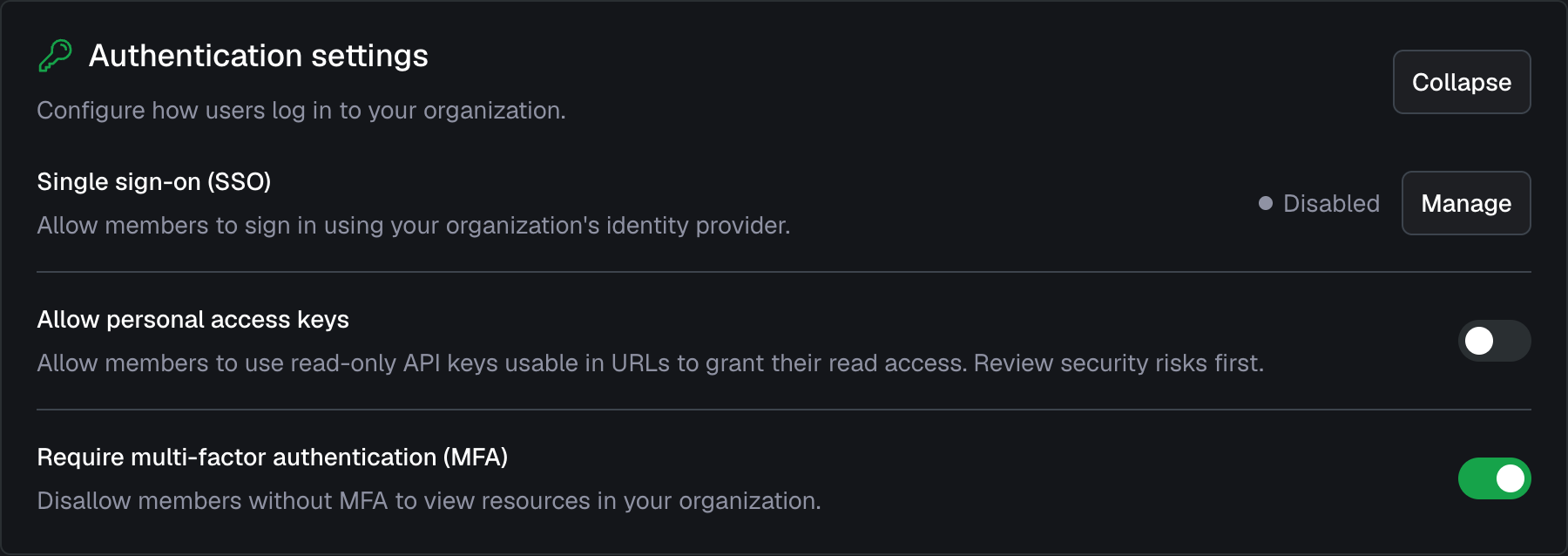
See which of your project members and organization administrators have MFA enabled and which sign in through SSO.Require MFA
Go a step further and require MFA across your organization, so members must set it up before they can access it. We recommend enabling enforcement to raise the baseline level of account security.Disallow personal access keys
Personal access keys give read-only API access to everything a user is permitted to see, which can introduce security risk. You can now disallow them for your organization, and we’ve already disallowed them wherever they weren’t in use. If you use them or plan to, we recommend reviewing the risks first.
See the organization settings and account settings for more information.
Action advised
This update logged out mobile app users who had an older session. If that applies to you, please log back in to keep receiving push notifications. On older versions of the app, a logged-out session can get stuck on a loading screen. If that happens, force close the app and reopen it.
Improvements
- A new option lets you show the subject path in table widgets.
- Alarms can now be set to automatically unacknowledge after up to a year.
- The alarm page size has increased to 50, and common actions take fewer clicks.
- The alarm overview and detail pages now show the initial event, including its description.
- The alarm overview also shows the create date in absolute form, alongside the relative date.
- The automatic SSO redirect for unauthenticated users can now be disabled for custom domains.
- You can now quickly select a time period by typing it directly into the period selector.
- SSO users now have a logout option.