


Docs
Custom widgets
May 22, 2026
We’re excited to introduce custom widgets: build your own dashboard visualizations and use them alongside the standard ones. The default widget library already covers a wide range of use cases, but every project eventually has one that doesn’t quite fit a chart, gauge or table.
This opens the door to visualizations that match the way you actually look at your operation:
- Schematic visualizations of the things you monitor, like batteries, tanks, pumps or production lines. Colored by their current status or showing measurement values at specific locations, you’re in control.
- Domain-specific summaries that combine measurements, events and properties into a single view that speaks the language of your team.
- Interactive overlays that let users click through to a related subject, event or external system right from the dashboard.
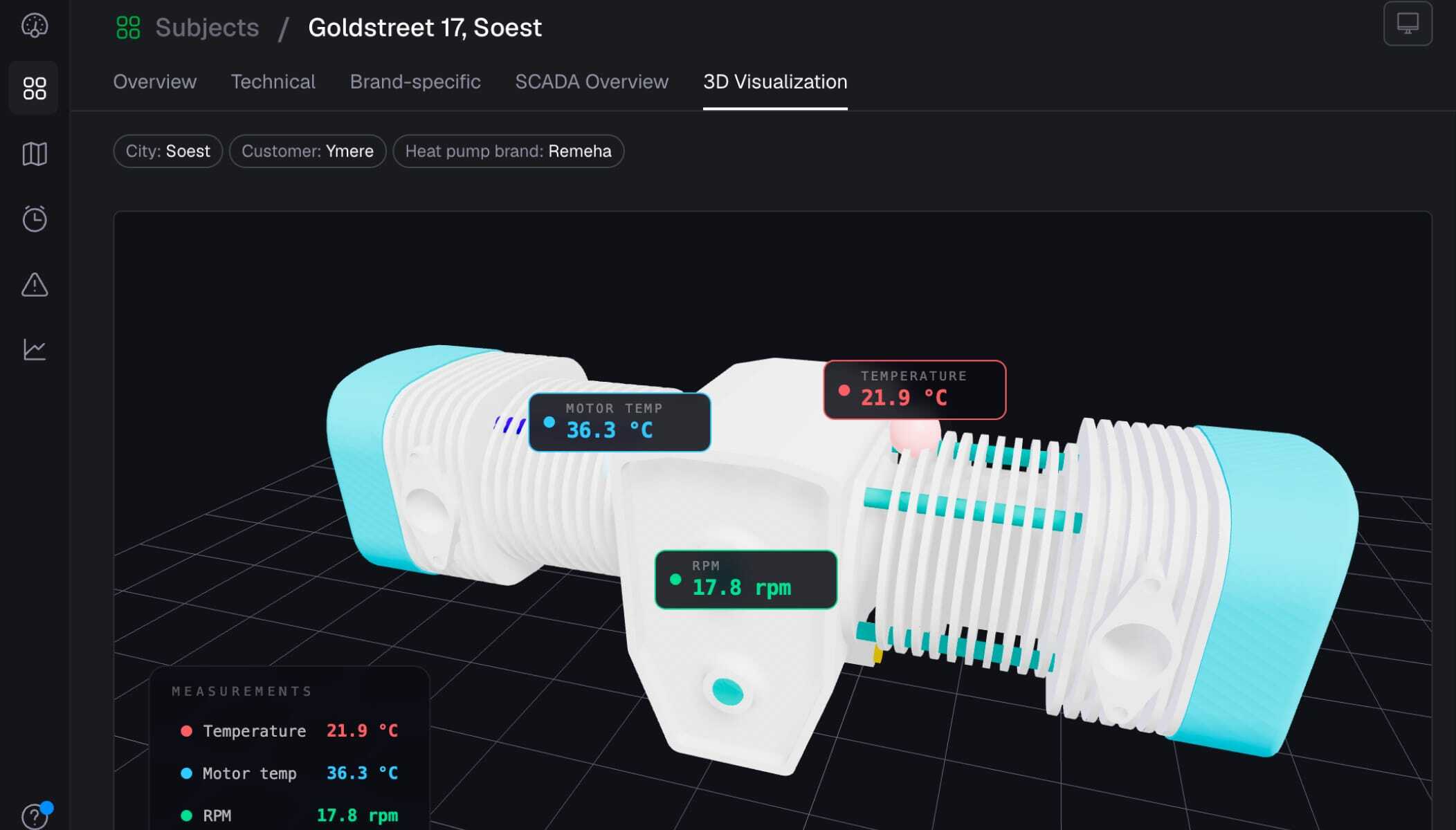
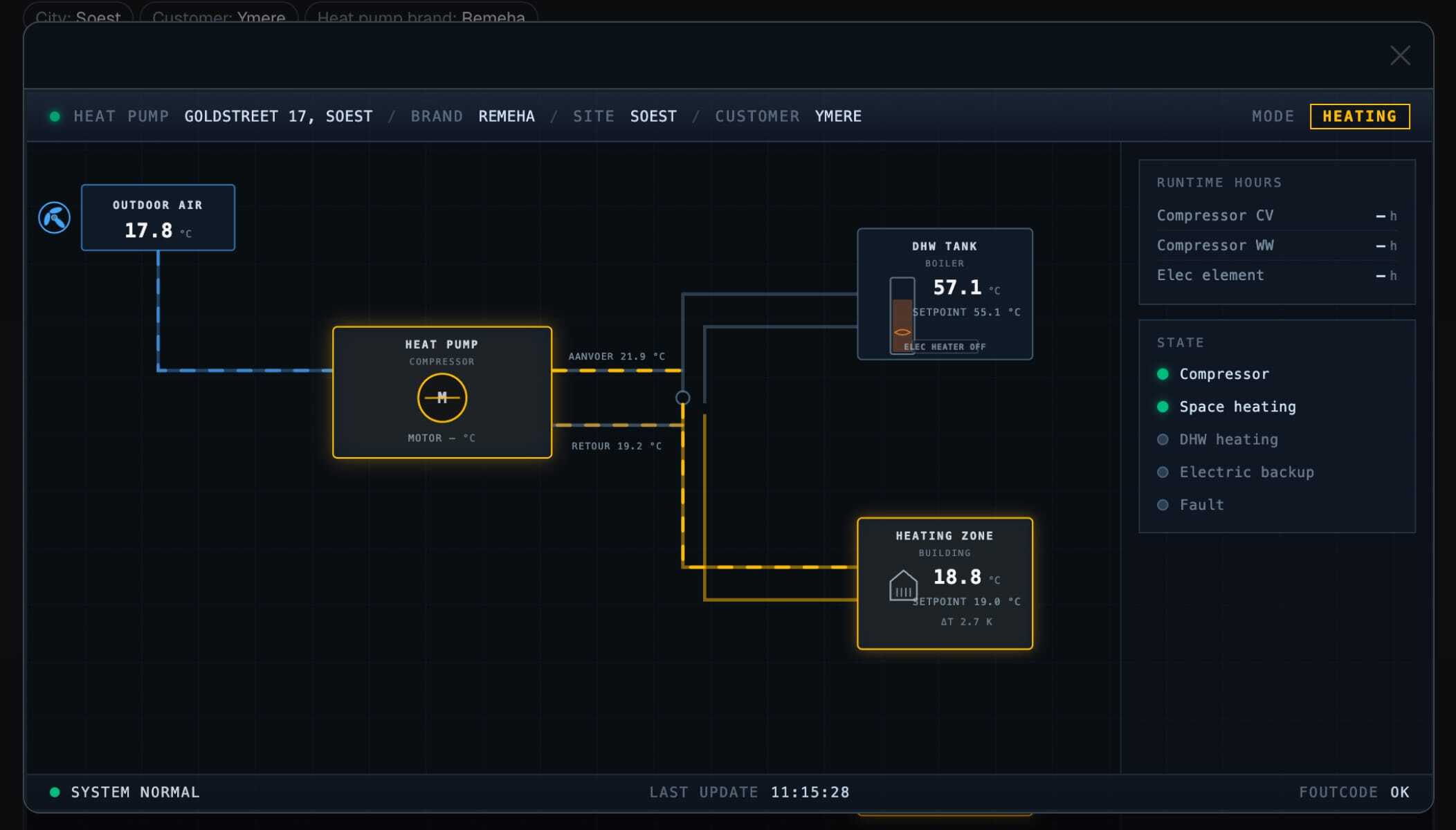
Custom widgets sit right next to the built-in widgets on your dashboards, so you can mix and match without giving up anything you already have. They also benefit from the same context as other widgets, like the selected date range and the current subject in repeaters and subject dashboards.
Curious about the details, or ready to start building? Dive into the docs for everything you need to know. Want a head start? Get in touch and our expert services team will be happy to help you design and build your custom widget.
We can’t wait to see what you build with it.
Improvements
- Support Entra ID for Azure Event Hub integrations
- Added ‘Use my location’ button to set location properties in mobile app
- Added ‘Navigate to’ button to subjects in mobile app
- Added option to transpose columns and rows in table widgets
- Support GET, PUT, and PATCH in actions in addition to POST
- Show unread notifications in favicon instead of as part of title
- Added support for searching resources by UUID in Ctrl+F