Docs
Configurable display timezone
August 7, 2026
Until now, dates and times throughout the web app were always shown in the timezone configured for the project you were viewing. That’s fine when everyone on a project works from the same location, but it doesn’t fit teams spread across the globe.
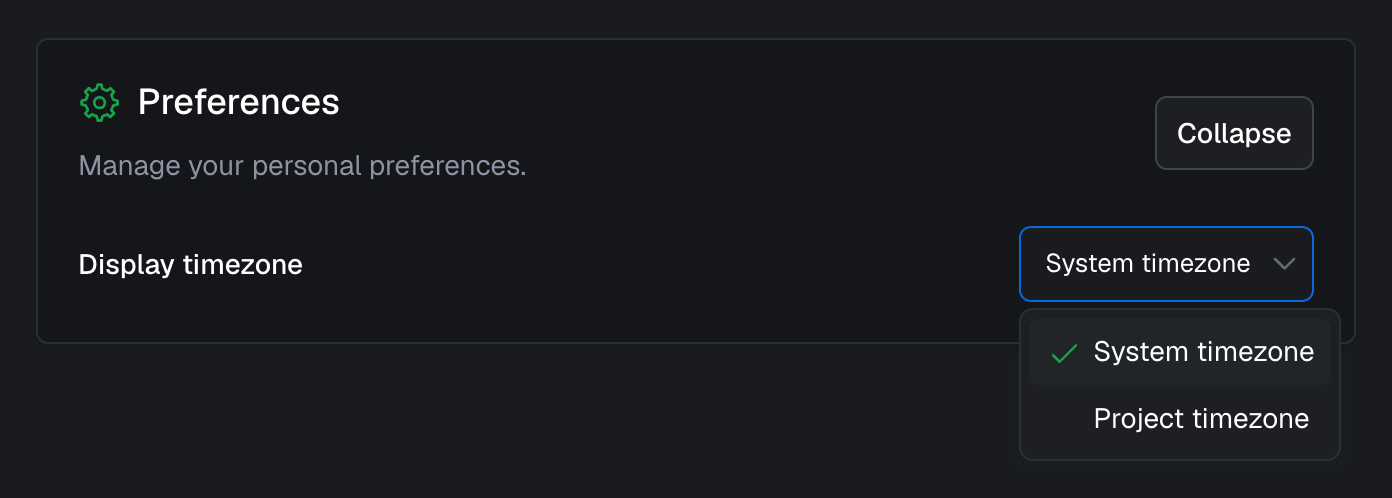
You can now set a display timezone for your account under account settings. Choose System timezone to show dates and times in the timezone of the computer or device you’re using, or Project timezone to keep the existing behavior of showing dates and times in the timezone configured for each project.
This is a personal setting: switching it only changes what you see, not the project’s timezone or how dates and times appear for the rest of your team. A few things always follow the project timezone regardless of this setting: measurement aggregations are aligned with it, and timezone-dependent configuration, such as the times used in event triggers, is interpreted in the project timezone.