


Docs
Alarm comments
September 29, 2026
When processing alarms, keeping track of who did what and why is essential. It keeps everyone working on an alarm on the same page, and it captures knowledge you can fall back on the next time a similar alarm comes in. Until now, that context easily got lost in chat messages and emails. With alarm comments, it lives on the alarm itself.
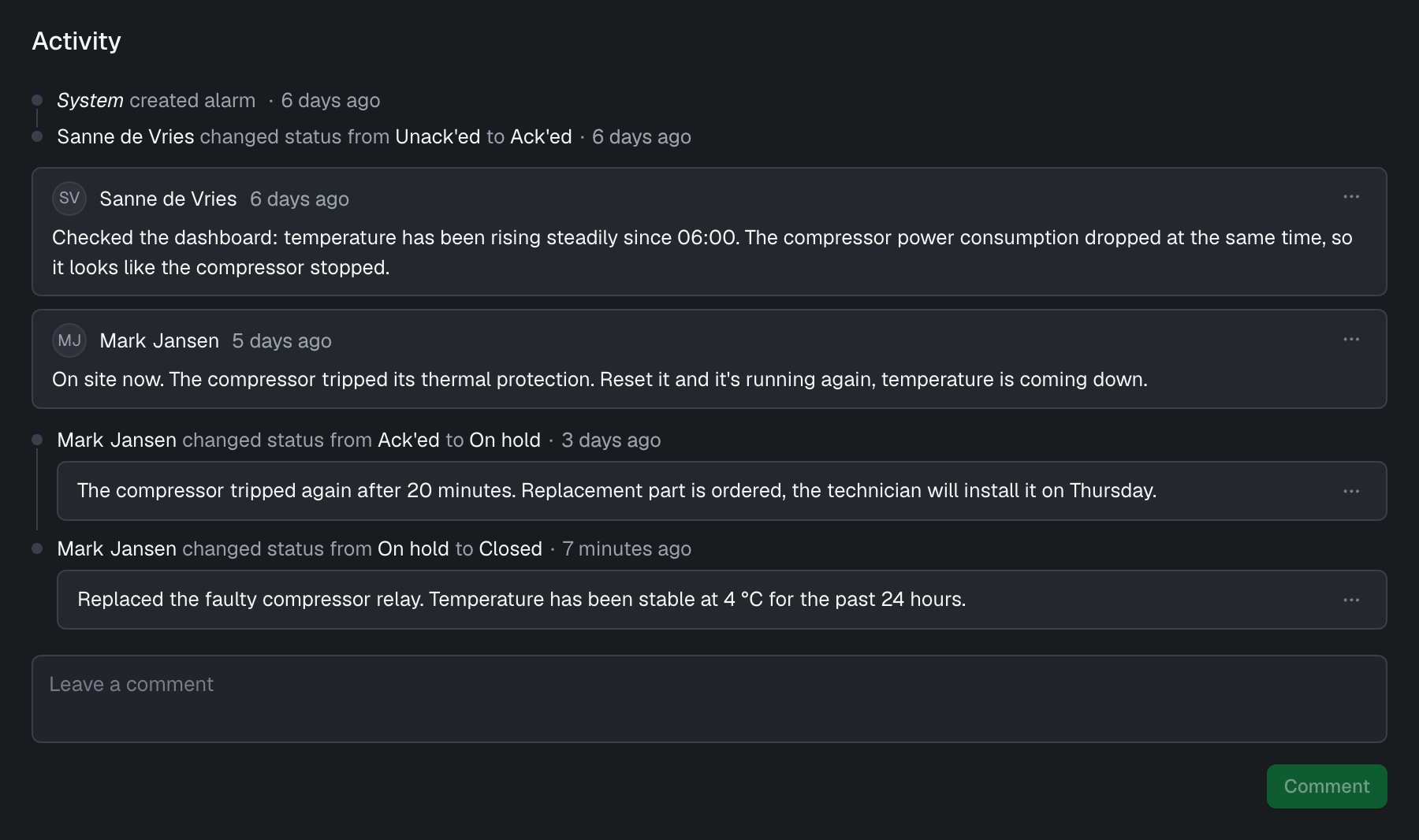
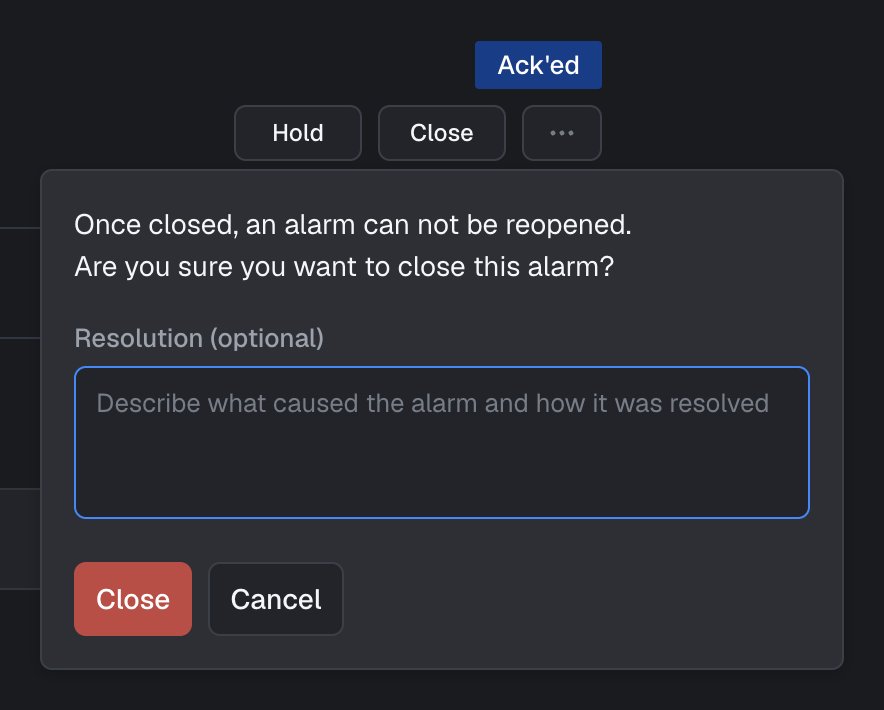
Anyone working on an alarm can add comments to report findings and share progress. Comments appear in the activity section of the alarm alongside its status changes, giving a complete picture of what happened, who did what, and why. When you change the status of an alarm, for example to close it or put it on hold, you can optionally add a comment explaining why: how the issue was resolved, or what needs to happen before work can continue. This also works when changing the status of multiple alarms at once.
For users on our Enterprise plan, comments also come with a full history, so every edit and deletion can be traced back.
Comments replace alarm descriptions. We noticed descriptions were mostly used for exactly what comments are for: keeping notes on the investigation and resolution of an alarm. A single description quickly gets outdated and doesn’t show who wrote what or when, while comments build up a timeline. New alarms therefore no longer have a description. Existing descriptions remain visible on the alarms they were added to.
Improvements
- We improved the contrast in the dark theme.
- You can now clone an action to create a new one.
- Tables that are too wide to fit can now be scrolled.
- You can now filter the audit log by selecting a resource.
- Alarms can now be retrieved through the API and the Python SDK.
- Entra ID authentication for Azure Event Hub connectors is no longer in beta.
- The Ultimo integration now retries failed requests and handles errors more gracefully.
- We improved performance when fetching changes in large projects.
- We improved alarm performance in large projects.
Fixes
- Fixed searching suppressions by name.
- Fixed missing audit log entries for Kafka SSL settings.
- Fixed inbound connector logs showing an “Unknown” sender.
- Fixed alarm filters being lost when using a personal access token in the URL.
- Fixed the add series form staying open after a cloned series was removed.
- Fixed chart annotations being positioned incorrectly in Safari.